> For the complete documentation index, see [llms.txt](https://help.private-crm.ru/llms.txt). Markdown versions of documentation pages are available by appending `.md` to page URLs; this page is available as [Markdown](https://help.private-crm.ru/zakazy/udalenie-zakaza.md).
# Удаление заказа
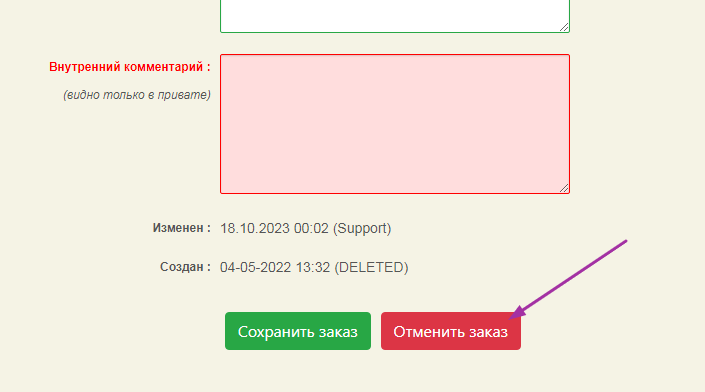
Перейдите в меню **Заказы** и выберите из списка необходимый. Перейдите в самый низ страницы и нажмите кнопку **Отменить заказ**.
{% hint style="warning" %}
При нажатии кнопки **Отменить заказ** удалится заказ, в т.ч. если он оплачен.
{% endhint %}
Нельзя удалить заказ, у которого есть закрытые смены (высветится ошибка).
Кнопка удаления заказа
## Удаленные заказы
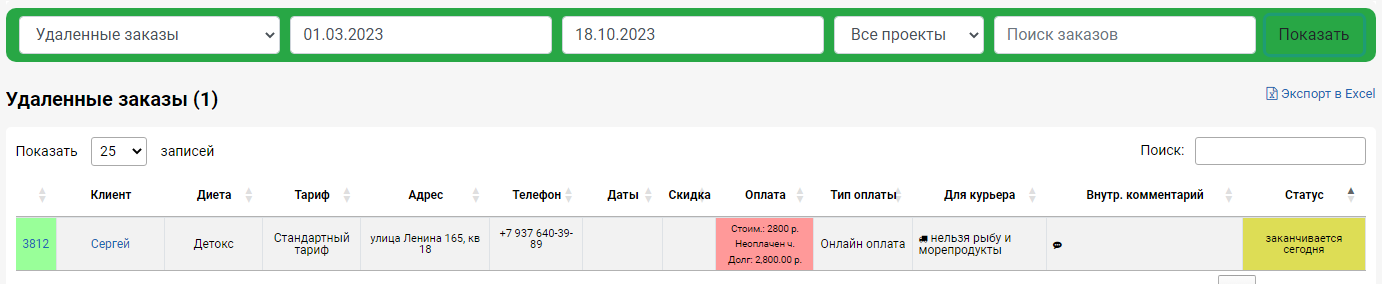
Чтобы найти отмененный заказ - необходимо на странице Заказы установить фильтр **Удаленные заказы**.
## Удаленный заказ клиента
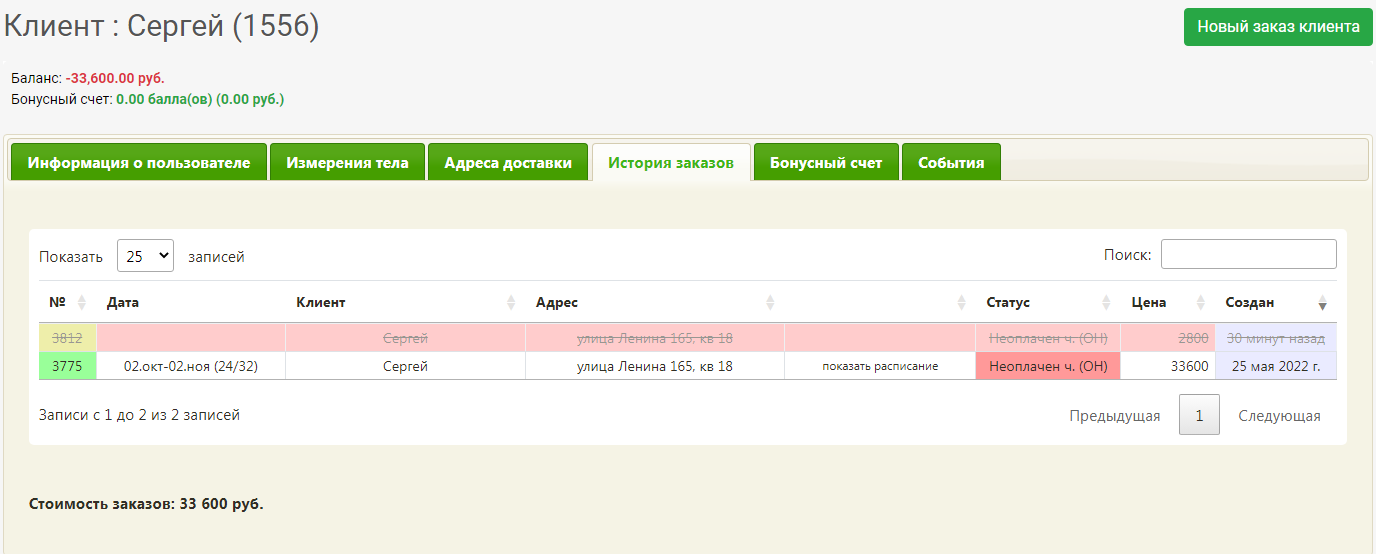
Также удаленный заказ отобразится в карточке клиента: строка подсветится красным, а текст станет зачеркнутым.
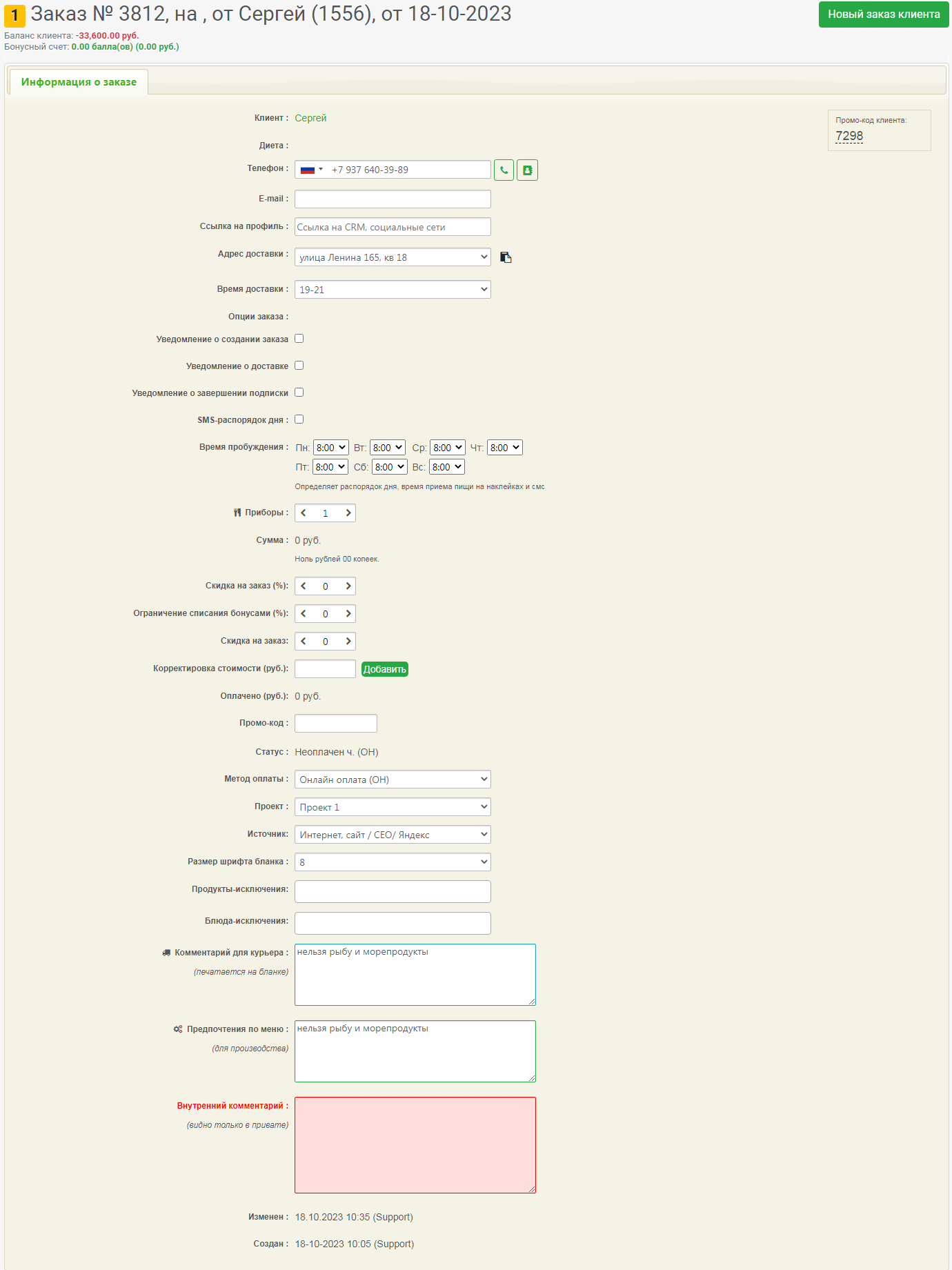
Удаленный заказ будет иметь вид: